From your legacy panel to AdminBolt, step by step
Moving a hosting server is not something you do on faith. So our migration tool shows its work: it previews every change, asks before anything irreversible, and keeps a way back until you decide you no longer need one.
You run a single program on your cPanel server and follow a guided process, in your browser or in the console, whichever you prefer. A dry-run mode lets you rehearse the whole thing without touching a single file.
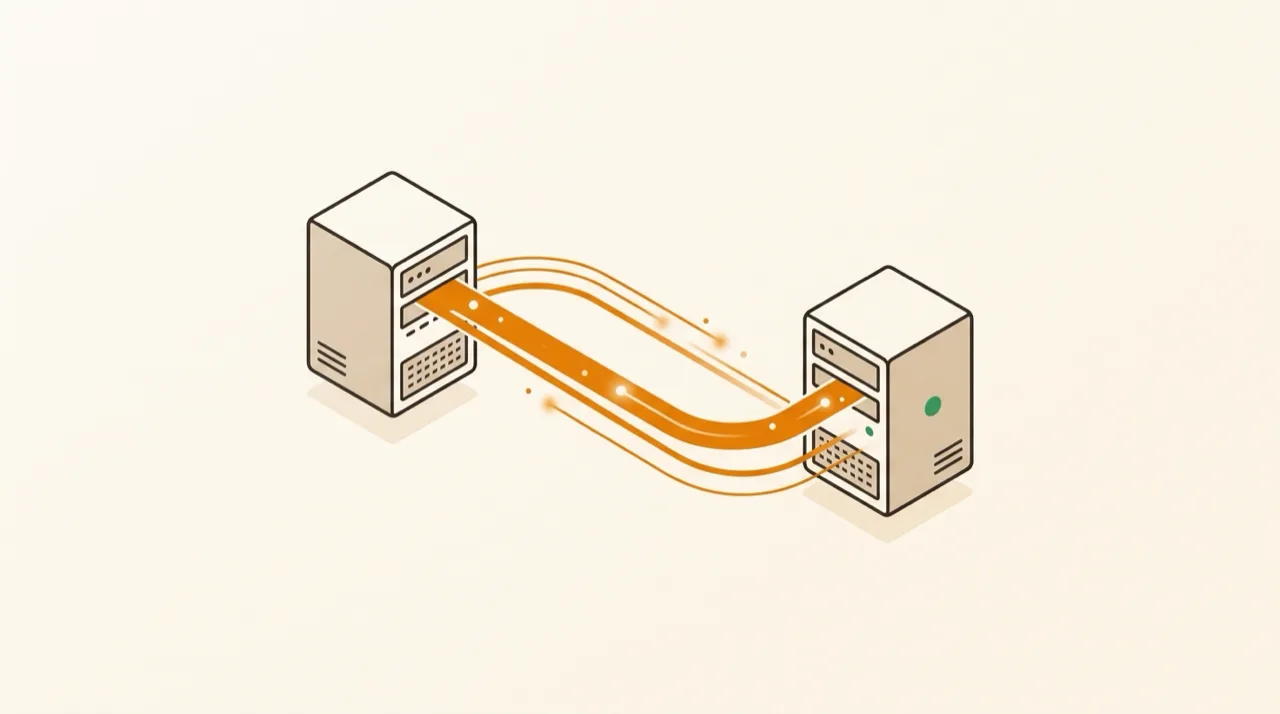
Run it yourself with bolt-migrate
Prefer to drive the migration hands-on? bolt-migrate is a single binary that bundles the cPanel migrator, the cPanel converter, and the DirectAdmin migrator. Download it onto the server you are leaving, or pull it with one command.
Which path is for you
Three ways to move, one result. Do it yourself in place, do it yourself onto fresh hardware, or hand the whole thing to our team - the safety net and the outcome are the same.
| Convert in place | Migrate to a new server | We do it for you | |
|---|---|---|---|
| Who runs it | You, self-service | You, self-service | Our migration team |
| Hardware | Keeps your current server | Moves to a fresh server | Your current or a fresh server |
| Your cPanel install | Replaced after you confirm (reversible until then) | Left completely untouched | Handled and verified before cutover |
| Best for | Staying on hardware you like, no second server needed | Upgrading hardware or provider while you switch panels | Teams who would rather hand the whole move off |
| Fallback | Built-in rollback to cPanel | The old server itself | Nothing switched off until you sign off |
Convert: swap the panel, keep the server
Everything happens on the machine you already run. cPanel keeps serving until you give the word, and a rollback path stays open the whole way.
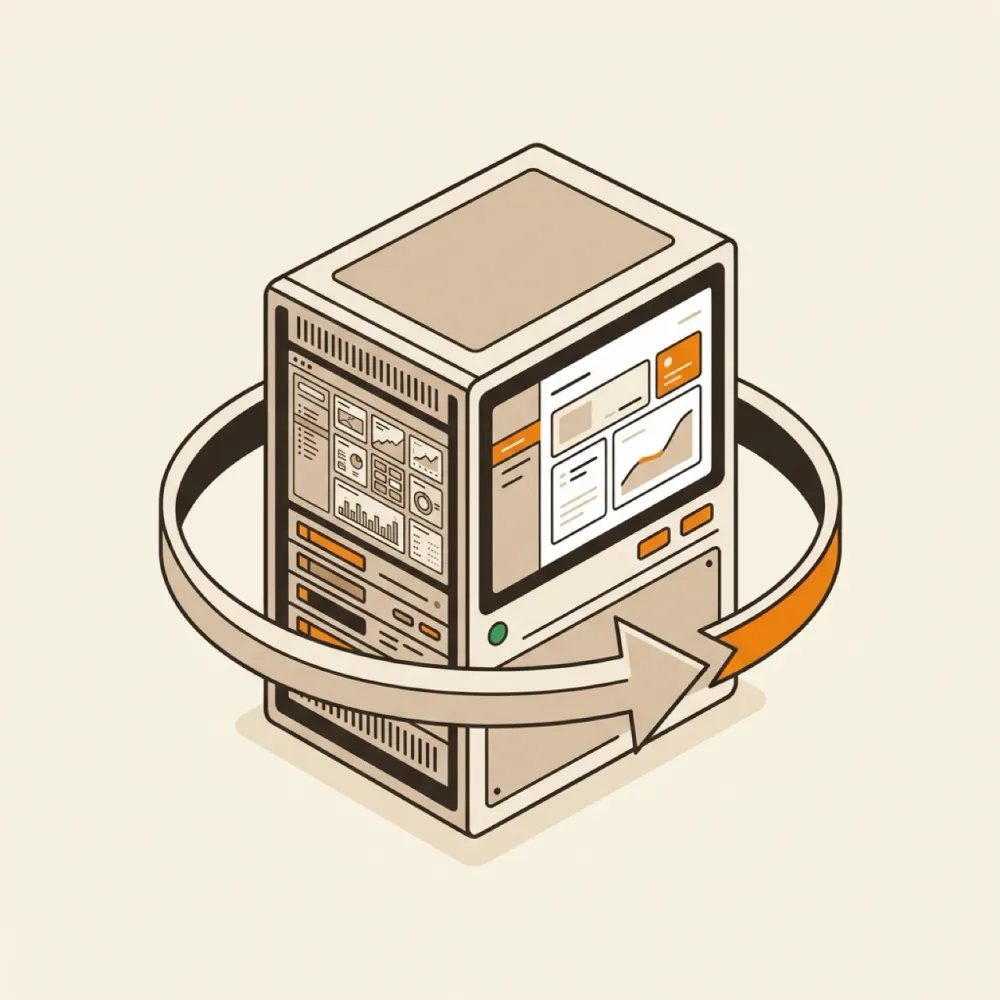
The Converter turns a cPanel server into AdminBolt in place: it installs alongside cPanel, imports every account, and keeps a rollback open until you decide otherwise - no new hardware, no data leaving the box.
Pre-flight checks.
The tool verifies your server is ready: a supported OS (AlmaLinux 9), enough free disk space, and a healthy cPanel install. If something is off, you find out now, not halfway through.
Scan and review.
Every account, domain, database, mailbox, and DNS zone is read from cPanel and laid out in a summary. Nothing on the server has changed yet - this step is read-only.
Backup confirmation.
Before going further, the tool asks you to confirm you have a full backup. Not a checkbox - a deliberate typed confirmation.
AdminBolt installs alongside cPanel.
Both panels run side by side without conflicts, so there is no leap of faith. cPanel keeps serving your sites while AdminBolt gets ready.
Your explicit go-ahead.
The switchover never starts on its own. The tool waits for you to review the plan and confirm you are ready.
Switchover and import.
cPanel steps aside and AdminBolt takes over. Accounts are imported one by one, and mailbox and database passwords carry over unchanged, so your customers log in exactly as before. Existing SSL certificates come along too, so HTTPS never blinks.
Decide the ending.
With everything on AdminBolt, you choose: roll back to cPanel, keep both panels while you verify at your own pace, or remove cPanel for good. Removal is guarded by one more typed confirmation, because there is no undo after that.
The report.
You get a full summary: every account, what moved, anything that needs attention, and the small set of credentials that had to be regenerated (FTP and reseller passwords), ready to pass on to the people who need them.
Migrate: move to a fresh server
Bring everything onto new hardware while your current server keeps serving traffic - and keep the old machine as a ready-made fallback.
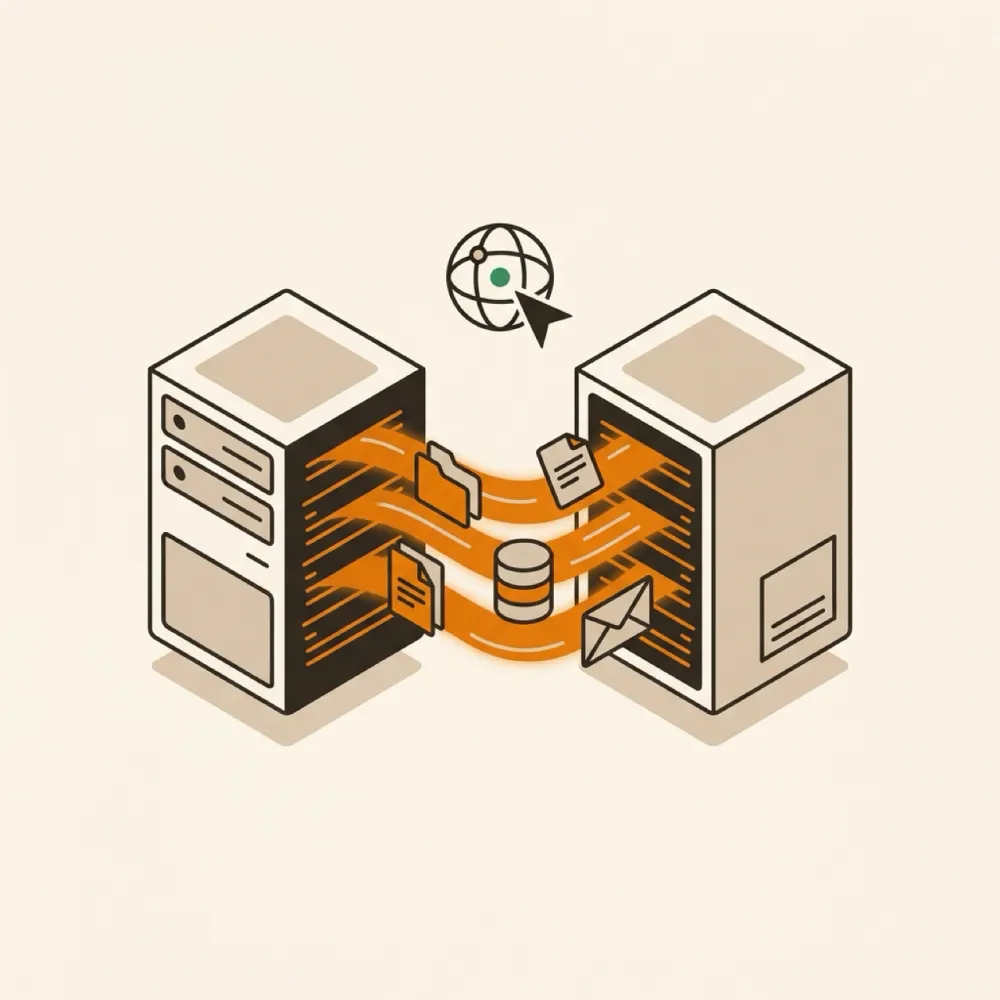
The migrator brings accounts from a cPanel or DirectAdmin server onto a fresh AdminBolt server, while your current machine keeps serving traffic - and stays untouched as a ready-made fallback.
Connect the two servers.
You give the tool the address of the new server, it establishes a secure connection, and that is the last piece of setup you do by hand.
Scan and review.
Same as with a conversion: everything on the cPanel side is read and summarized for your review before a single byte moves. If the target server already hosts accounts, the tool warns you about any name clashes up front.
AdminBolt installs on the target.
If the new server is empty, AdminBolt is installed for you. If it is already running, the tool just plugs in.
Accounts recreated.
Hosting plans, accounts, resellers, domains, and per-domain settings are rebuilt on the new server to match the old one.
Content transfer with live progress.
Website files, databases, and every stored email message copy across, and you watch the progress as it happens. Your current server keeps serving traffic the entire time.
DNS cutover, on your terms.
When the new server is ready, DNS records are updated to point at it. If you manage DNS elsewhere, you can keep your records as they are and switch whenever it suits you.
The report, and a safety net you already own.
You get the same full summary as with a conversion. And because the source server was never modified, your complete cPanel setup is still sitting there, intact, for as long as you want to keep it.
Safety by design
The whole process is built to be rehearsed, reviewed, and reversed - so you are never one wrong keystroke away from trouble.
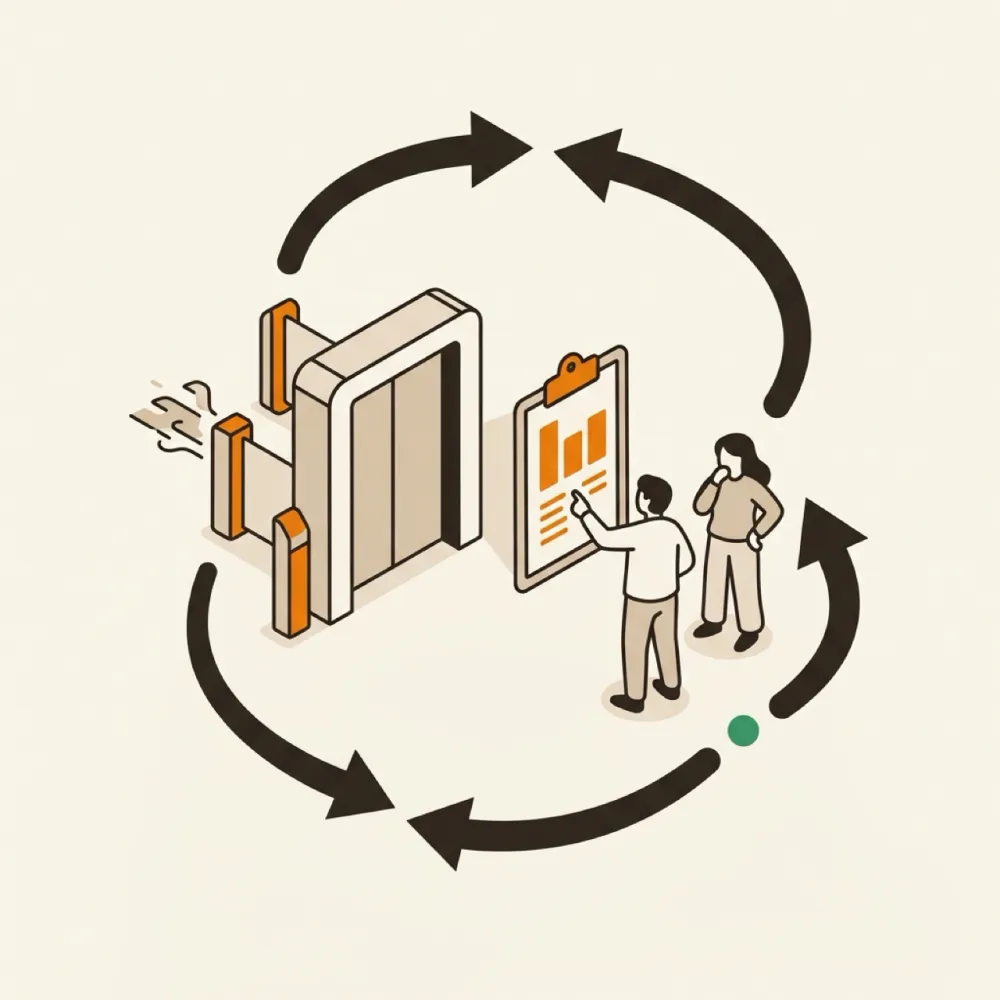
- Dry run first. Rehearse the entire process without changing anything, review the summary, and walk away if you want.
- Review gates. Every irreversible step waits for an explicit confirmation. The big ones require you to type it out.
- Rollback. During a conversion, the tool keeps a journal of every change it makes, and can play it back in reverse to return the server to cPanel.
- Safe to re-run. If a run is interrupted, run it again: accounts that already moved are recognized and skipped, and the rest continue. You can even merge several cPanel servers into one AdminBolt server the same way.
- No silent failures. Every account reports its own result. If one resource on one account has a problem, you see it in the summary, and the rest of the migration carries on.
- Private by default. The tool can share anonymous diagnostics with our support team to help if something goes wrong, but only if you opt in, and it never includes passwords or customer data.
What is preserved
Everything that defines an account comes across: the main domain plus addon, sub, and parked domains, per-domain PHP versions, website files with permissions intact, MySQL databases with their users and privileges, email accounts with all stored messages, forwarders, catch-alls, autoresponders and mailing lists, full DNS zones, SSL certificates, cron jobs, FTP accounts, redirects, custom error pages, hosting plans, and reseller relationships.
Two kinds of passwords deserve a special mention. Mailbox and database passwords are preserved exactly, so applications reconnect and users log in without noticing anything happened. FTP and reseller panel passwords are the exception: they are regenerated for technical reasons, and every new one is listed in the final report so you can hand them over.
Prefer we handle it? Our team migrates it for you
Not everyone wants to run the tool themselves. Hand us the keys and our migration team plans, schedules, runs, and verifies the whole move - free, with zero downtime and no work on your side.

Book a free migration call.
Tell us what you run today and how many accounts you have. We map the move and answer every question before anything changes.
We plan and scope it.
Our team reviews every account and prepares the migration, so there are no surprises on the day.
We run it alongside your live setup.
The whole migration runs while your current panel keeps serving. Nothing is switched off until everything is verified on AdminBolt.
We cut over on your schedule.
We go live with zero downtime when you are ready, and stay on hand afterwards to make sure everything is right.
Get your free migration plan
Tell us what you run today - we'll map the move and reply within one business day.
Or pick a time below - no commitment, and we will answer anything you want to ask.
Calendar not loading? Open the booking page in a new tab
Ready to leave your old panel behind?
Free migration. Zero downtime. A safety net you keep until you decide you no longer need it.